

 QUICK &



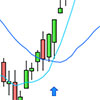
Moving Average Crossing Screener for ProRealTime
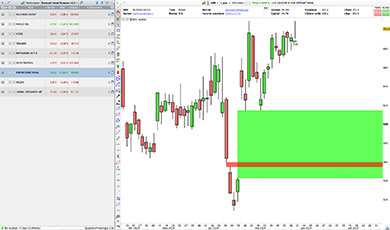
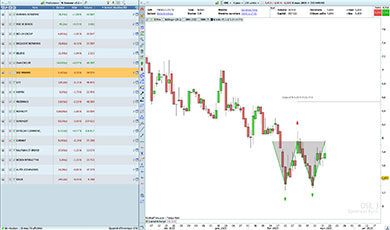
The Moving Average Crossing Screener automatically scans financial markets to find instruments showing bullish or bearish moving average crossovers, based on customizable search criteria.
The Screener allows you to search for bullish and bearish crossovers, using adjustable moving average periods and types (SMA, EMA, WMA and more).
Search results distinguish between the two types of signals in the Long / Short column:
- 1: bullish moving average crossover
- 2: bearish moving average crossover
The Screener helps you identify instruments matching your criteria without having to examine each chart individually.

Customizable Settings
Adapt the search to your own trading criteria directly from ProRealTime’s Variables menu, without modifying the code.
Adjustable moving average settings:
- Short moving average period
- Long moving average period
- Filtering moving average period
- Moving average type (SMA, EMA, WMA and more), configurable independently for each average
Crossover detection options:
- Enable or disable bullish crossover detection
- Enable or disable bearish crossover detection
Available filters:
- Price above or below a selected moving average
- Price above or below the short moving average
General market filters:
- Minimum price
- Minimum average trading volume
- Volume calculation based on the number of shares or traded value
These general filters use daily data to help you select instruments according to your preferred price and liquidity criteria.
Characteristics
- Screener works on all timeframes
- Detects bullish and bearish moving average crossovers
- Compatible with ProRealTime V11 and later
- Compatible with the free version of ProRealTime (daily closing prices)
- Settings adjustable without modifying the code
- Moving Average Crossing Indicator included
- Free automatic updates
Video Presentation
Video in French – English subtitles available.

Reviews
There are no reviews yet.